

Tricky wording is one of the fastest ways to lose points on the CCNA, even when you know the networking concept cold. The Cisco Certified Network Associate exam (currently CCNA 200-301) is designed to test real-world decision making, not just memorization, so questions often include subtle qualifiers, constraints, and distractors.
This guide shows you how to spot those traps in CCNA practice questions, translate the prompt into a clear task, and avoid the most common wording mistakes.
Why CCNA questions feel “tricky” (even when they are fair)
Most CCNA items are not trying to “gotcha” you with obscure trivia. They are testing whether you can:
- Read a scenario and identify what matters (and what is noise).
- Apply a rule under constraints (scale, convergence, security, overhead).
- Choose the best option, not just a technically possible one.
That is why wording matters so much. A single word can change the task from “pick any correct statement” to “pick the best next step under these requirements.”
If you want to cross-check the domain coverage you are studying against the official blueprint, use Cisco’s exam topics for CCNA 200-301 on the Cisco certification site.
The wording traps you must recognize (and what they really mean)
Below are the most common patterns that make CCNA practice questions feel harder than the underlying topic.
1) Negative keywords: NOT, EXCEPT, NEVER, FALSE
These are responsible for a huge portion of avoidable misses.
What happens: you read quickly, see three correct statements, and pick one, but the question asked for the incorrect statement.
How to respond: treat negatives like a “stop sign.” Physically pause, then restate the question in your own words.
Example translation:
- Original: “Which statement is NOT true about RSTP?”
- Translation: “Find the one false statement, even if the other three are true.”
2) Qualifiers: best, most appropriate, first, next, minimum, least
Qualifiers turn a knowledge check into a judgment call.
- Best / most appropriate usually means multiple answers are technically valid, but only one fits the constraints.
- First / next turns it into sequencing and troubleshooting methodology.
- Minimum / least / smallest is usually about overhead, summarization, or meeting requirements with the fewest changes.
3) Scope locks: “in this scenario,” “given the output,” “based on the requirements”
CCNA questions often hide the actual task in the last line, but the constraints are earlier.
If the stem says “The company requires fast convergence and supports a large network,” you should already be filtering for scalable protocols and features that meet that goal.
4) Multi-select cues: choose two, choose three
Multi-select questions punish “almost correct” thinking. You need a methodical pass:
- Identify what each option claims.
- Mark options that are definitely true.
- Re-check the stem constraints (especially negatives).
Do not rely on “this sounds familiar.” On CCNA-style items, two options can sound right, but only one matches the requirement in the stem.
5) “What happens” vs “What should you do”
This is a subtle but common shift:
- What happens if… tests behavior (default actions, protocol states, timers, implicit deny).
- What should you do… tests best practice and remediation (what step fixes it, safest change, least disruptive action).
Quick reference table: tricky words and how to handle them
| Tricky wording | What it usually implies | Your best move |
|---|---|---|
| NOT / EXCEPT / FALSE | You are hunting the wrong option, not the right one | Circle the negative, restate the task as “find the incorrect choice” |
| Best / most appropriate | More than one option works, only one fits constraints | Write the constraint in 3 to 5 words (example: “fast convergence, large network”) |
| First / next | Order matters, troubleshooting flow matters | Ask “what must be verified before changing anything?” |
| Minimum / least / smallest | Optimization, summarization, least change | Compare options by “meets requirement with least impact” |
| Given this output | The answer is inside command output details | Scan for mismatches (VLAN, mask, default gateway, state, neighbor) |
| Most secure | Principle of least privilege | Prefer explicit permits, tight scopes, and secure defaults |
A 30-second parsing routine that prevents most wording mistakes
When you practice, force yourself to do this the same way every time. Consistency beats “being careful” in the moment.
Step 1: Read the last line first
The last line usually contains the actual task (choose, configure, identify cause).
Step 2: Re-read the stem and extract constraints
Write a short “constraint tag” in your head:
- “Remote site, low bandwidth”
- “Need inter-VLAN routing”
- “Block one host only”
Step 3: Identify the topic category before looking at answers
If you classify it early, you avoid being pulled into distractors.
Examples:
- “ACL logic”
- “VLAN trunking mismatch”
- “OSPF neighbor state”
- “Subnetting and usable range”
Step 4: Predict what a correct answer must include
Even a rough prediction helps you eliminate choices.
Step 5: Only then read options, eliminate aggressively
If two options are close, go back to qualifiers and constraints, not your gut.
Common CCNA distractors (by topic) and how wording sets the trap
The fastest way to improve your score is to recognize recurring distractor patterns. The goal is not to memorize “trick questions,” it is to recognize the type of trick.
ACLs: “permit what you need” vs “implicit deny gets you”
Wording trap: “Which ACL entry should be placed first?” or “Which statement is NOT true?”
Typical distractors:
- Forgetting the implicit deny at the end.
- Misreading source vs destination.
- Missing that “only” implies a narrower match.
Illustrative mini-stem (not a real exam question):
“You must allow HTTP from 10.10.10.0/24 to a server at 172.16.1.10 and deny all other traffic to that server. Which ACE is the most appropriate?”
How to decode:
- “Most appropriate” plus “deny all other traffic to that server” implies you want:
- A specific permit for TCP/80 to that destination.
- A deny for the server destination.
- Not a broad deny that blocks unrelated destinations.
VLANs and trunks: “allowed VLANs” vs “native VLAN” vs “access mode”
Wording trap: “Based on the output…” and “Which change fixes the issue with the least impact?”
Typical distractors:
- Confusing native VLAN mismatch with allowed VLAN mismatch.
- Mixing up access ports with trunk ports.
- Over-fixing (rebuilding trunk when only VLAN list is wrong).
Good habit: when you see show interface trunk output, look for:
- Native VLAN
- Allowed VLANs
- VLANs in spanning-tree forwarding state
Routing selection: “works” vs “fits requirements”
Wording trap: “best protocol,” “most scalable,” “fastest convergence,” “supports VLSM,” “supports authentication.”
Typical distractors:
- Choosing a protocol that works in a small lab but does not meet scale or policy constraints.
- Ignoring administrative distance and route preference wording.
When you see requirement-style language, do not jump to the protocol you like most. Translate requirements into decision criteria (convergence, hierarchy, complexity, vendor support).
IPv4 subnetting: the wording is the difficulty
Wording trap: “usable hosts,” “first usable,” “last usable,” “which subnet contains host X,” “minimum number of subnets.”
Typical distractors:
- Answering network address instead of first usable.
- Including network and broadcast in host counts.
- Misreading “minimum” and picking a larger block than needed.
Practical parsing tip: rewrite the question as a formula before computing:
- “Need at least 50 hosts” means “need 50 usable,” then pick the smallest prefix that supports that.
IPv6: similar-looking addresses and subtle qualifiers
Wording trap: “global unicast vs link-local,” “best next hop,” “most appropriate command.”
Typical distractors:
- Confusing
fe80::/10(link-local) with global unicast ranges. - Missing that a routing protocol neighbor relationship can depend on link-local addressing.
Wireless basics: “most secure” usually narrows the field a lot
Wording trap: “most secure,” “best authentication method,” “best practice.”
Typical distractors:
- Older standards presented alongside modern ones.
- Options that are technically functional but weaker.
Always map “most secure” to least privilege and modern security posture. If the stem says “most secure,” it is rarely asking for “works on legacy clients.”
Train the skill: how to practice for wording, not just knowledge
If you only do more questions, you might just reinforce the habit of misreading. You want a feedback loop that isolates wording errors.
Use a “two-pass” review: content miss vs reading miss
After every set, label each missed item as one of these:
- Knowledge gap: you did not know the concept.
- Process error: you knew it, but misread (NOT/EXCEPT), missed a constraint, or rushed.
A simple rule: if you can explain the concept immediately after seeing the explanation, it was probably a process error.
Create a “constraint note” for every missed tricky question
One sentence only:
- “I ignored the word ‘minimum’ and chose an oversized subnet.”
- “I missed EXCEPT and picked a true statement.”
- “I solved for network address, question asked first usable.”
Retest the same trap within 48 to 72 hours
Wording mistakes are habit-based. Quick retests help you rebuild the habit.
If you want to run this kind of loop efficiently, use an exam engine that lets you mix timed sets with review. PlanetCert’s simulator-style workflow is built for that kind of repetition and correction, see Planet Cert CCNA practice tests for realistic practice exams and explanations.
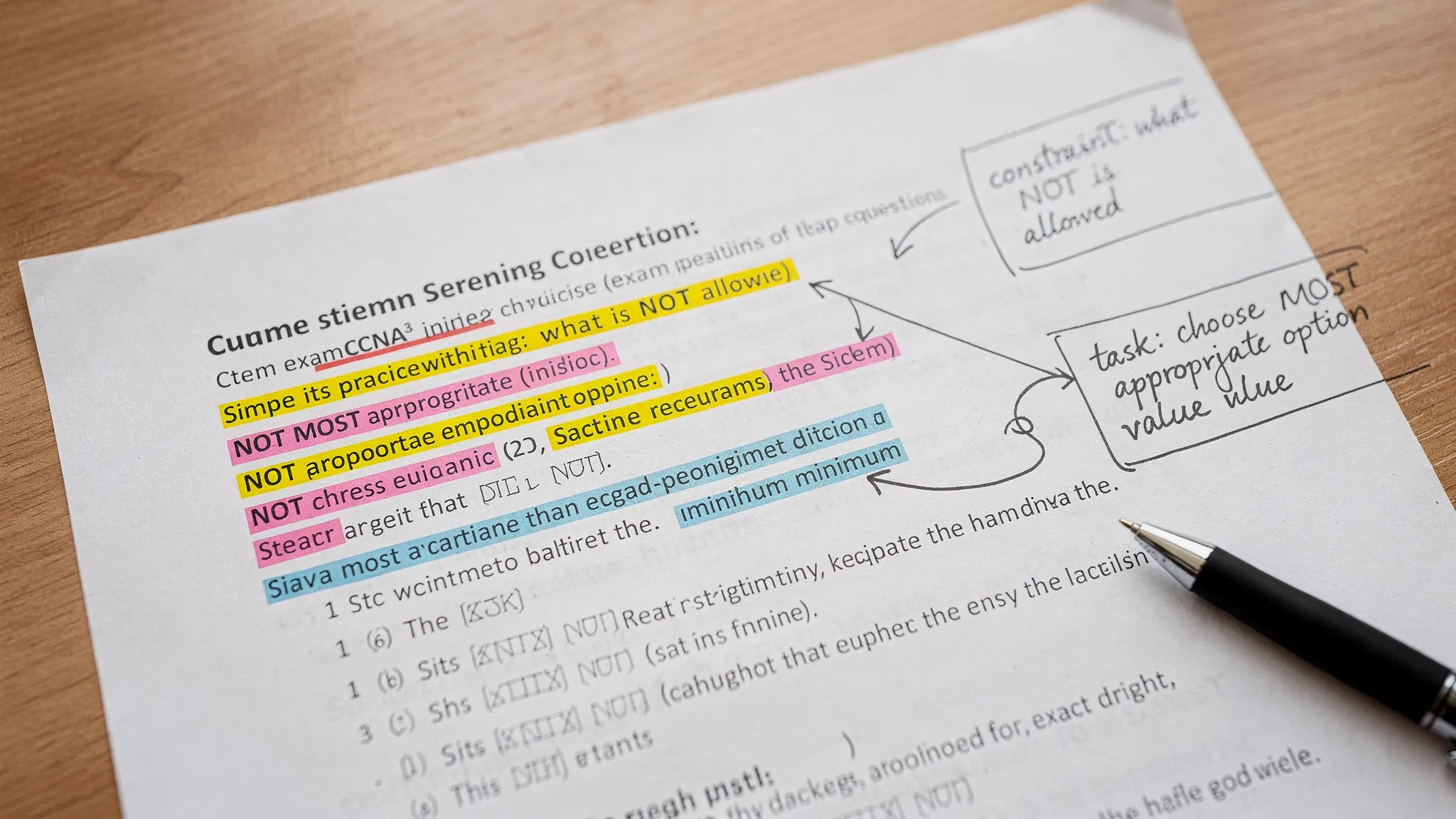
A simple error-log template for CCNA tricky wording
An error log is not just for content. Use it to track your most common reading traps.
| Question trap type | What I missed | My new rule | Re-test date |
|---|---|---|---|
| NOT / EXCEPT | Answered the true statement | Pause and restate task as “find false option” | 2 days |
| Minimum / least | Optimized the wrong metric | Identify metric first (hosts, subnets, overhead) | 3 days |
| First / next | Jumped to config change | Verify state, then change least disruptive setting | 2 days |
You can keep this in a notes app, spreadsheet, or inside whatever study system you use, as long as you actually re-test.
Exam-day tactics to neutralize tricky wording
You do not need special tricks, you need a repeatable process under time pressure.
Slow down on only two moments
Most people waste time trying to “be careful” on every line. Instead, slow down only when:
- You see a negative keyword (NOT, EXCEPT).
- You see a qualifier (best, most appropriate, minimum, first).
Those two pauses prevent the majority of reading-based errors.
Use “flag and return” strategically
If a question feels ambiguous, it is often because you missed a constraint. Flag it, move on, and come back with fresh eyes. On the second pass, re-read only:
- The last line (task)
- The constraints
- The two best options
Do a final scan for negatives on flagged questions
Before submitting, quickly check flagged questions for NOT/EXCEPT. This is the highest ROI double-check in the entire exam.
Putting it together: you are not bad at CCNA, you are training a different skill
CCNA success is a mix of networking knowledge and precise reading under constraints. The good news is that reading skill improves quickly when you track the exact trap that got you, then retest it.
If you want to practice this the right way, choose a question bank that supports timed sets, deep explanations, and realistic exam flow. Start with a diagnostic and then drill your most common wording traps using Planet Cert CCNA practice exams and targeted Planet Cert exam questions in an exam simulator format.

Discussion
Question Comments
0 comments·0 participantsSign in to leave a comment and access more free questions.