
Wireshark Packet Analysis Skills That Pass the Network+ Exam
You’ve opened a pcap and scrolled through a TCP handshake before. But when the Network+ exam loads a performance-based question—a broken ARP reply, a captive-portal redirect, a DHCP Discover that never gets answered—does your Wireshark reflex kick in fast enough? The N10-009 objectives don’t test whether you’ve launched the tool. They test whether you can read a packet capture under pressure and pick out the one detail that changes the diagnosis. This report maps the specific Wireshark competencies aligned to Network+, connecting what you click in the packet list to what you answer in the simulation.
Scope and Evidence
This report cross-references the N10-009 exam objectives (version 4.0, released in 2023) with the Wireshark operations documented in the Wireshark manual and Wireshark User’s Guide. We identified every objective statement that explicitly or implicitly demands packet inspection—protocol analysis, traffic monitoring, attack recognition, and connectivity troubleshooting—and matched each with the minimum Wireshark competency a candidate needs.
Because N10-009 relies heavily on performance-based questions executed inside a locked simulation, we treat the PBQ format as a constraint. You’ll interpret pre-captured traffic, so memorising display filter syntax and navigating the packet details pane at speed matters far more than mastering elaborate capture profiles. The primary Wireshark sources are the official documentation portal and the 2026 release notes confirming ongoing support for pcapng, display filters, and protocol dissection across 4.x versions. Domain weightings are public; we note only the objectives that carry analysis weight.
Domain Mapping: Where Packet Analysis Appears
The table below identifies the N10-009 objectives that demand packet-level inspection, along with the Wireshark operation or filter family that satisfies each skill requirement.
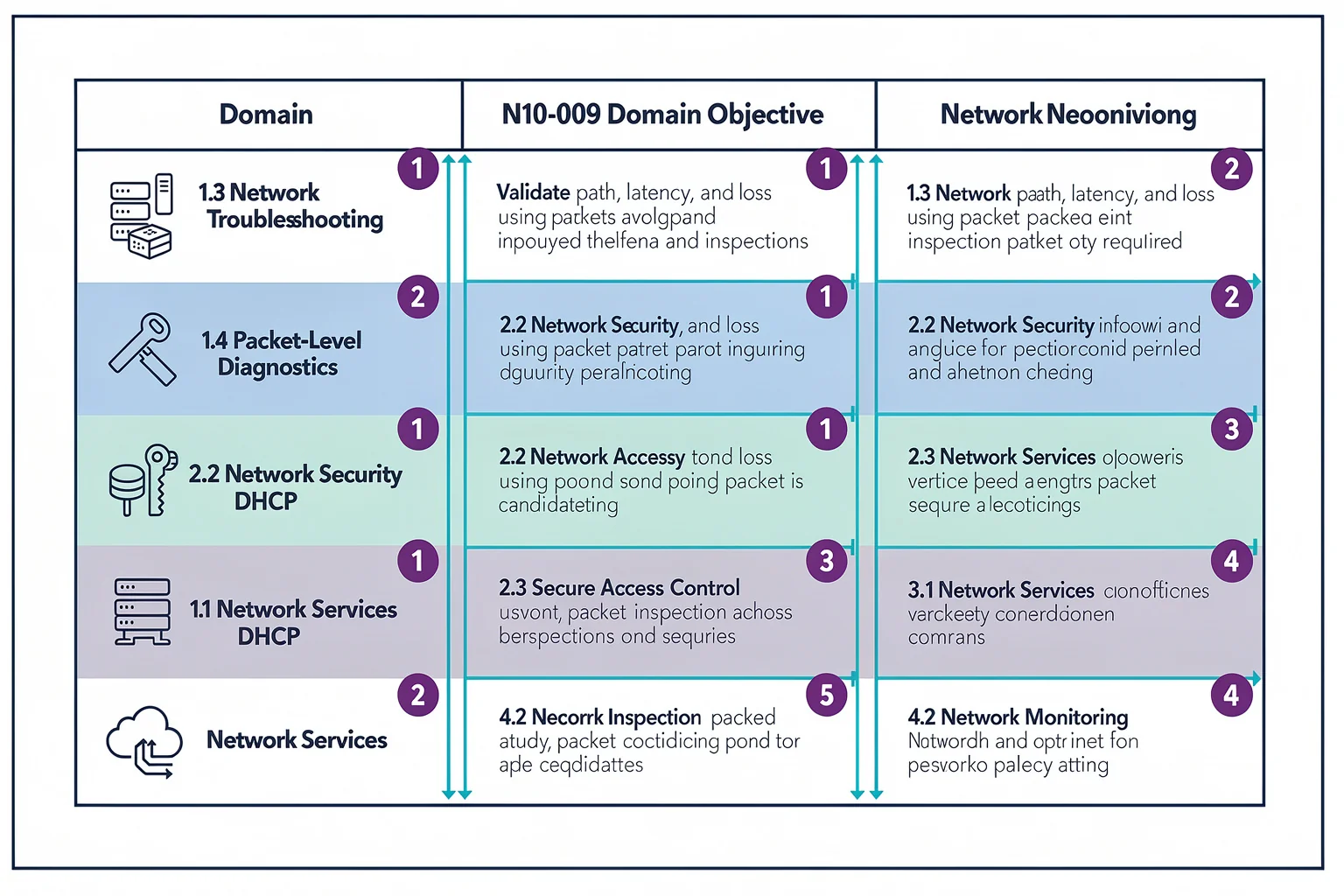
| Domain / Objective Code | Objective Description (abridged) | Wireshark Competency Needed |
|---|---|---|
| 1.1 Explain OSI model concepts | Identify PDUs per layer; map encapsulation | Use packet details pane to view frame→Ethernet→IP→TCP/HTTP encapsulation |
| 1.4 Explain IPv4 addressing | Interpret subnet mask, default gateway, ARP requests | Display filter arp, inspect sender/target IP and MAC |
| 2.2 Configure wired connectivity | Verify DHCP assignment, DNS resolution, VLAN tagging | Capture filter port 67 or 68; follow UDP stream; filter bootp; inspect 802.1Q tags |
| 3.1 Use networking monitoring tools | Monitor traffic flows and bandwidth | Statistics → Conversations, I/O Graph, Protocol Hierarchy |
| 3.3 Troubleshoot network performance | Identify retransmissions, duplicate ACKs, window problems | Filter tcp.analysis.retransmission, tcp.analysis.duplicate_ack, tcp.window_size; TCP stream graph |
| 4.2 Summarize basic network attacks | Recognise ARP spoofing, rogue DHCP, port scans | Filter arp.duplicate-address-detected; bootp for multiple offers; tcp.flags.syn==1 and tcp.flags.ack==0 for SYN scan |
| 5.2 Troubleshoot with appropriate tools | Determine whether DNS, DHCP, or routing is at fault | Filter dns or dhcp; examine response codes; correlate TTL‑exceeded ICMP |
| 5.4 Troubleshoot wireless/wired connectivity | Diagnose SSID, channel, AP association issues via layer‑2 captures | Inspect 802.11 management frames (association request/response) in supplied capture |
Practise each filter on a known‑good capture file before you meet a simulation. Start with N10-009 practice questions that include timers—that’s the closest you’ll get to test‑day constraints.
Display Filter Commands to Memorise
PBQs that simulate a packet analyzer often provide a pre‑loaded capture and a filter box. Tab completion won’t be there. The syntax below covers the question types that iterative exam candidates describe (anecdotal, not official disclosure).
tcp.port == 80orudp.port == 53— isolate traffic by port.ip.addr == 192.168.1.1— all packets to or from a host.arp— ARP requests and replies only.dhcporbootp— DHCP Discover, Offer, Request, ACK.tcp.flags.syn == 1 and tcp.flags.ack == 0— TCP SYNs (connection initiation / port scan).tcp.analysis.retransmission— segments that were retransmitted.!(arp or dns or llmnr)— exclude ARP, DNS, and LLMNR noise.frame.time_relative > 10— packets that arrived 10 seconds into the capture; useful for timing analysis.
Drill these until you can type them blind. Open a sample capture, apply each filter, note what disappears, and decide what the network probably did. The User’s Guide has a full chapter on display filter fields and operators if you need a deeper reference.
The exam will almost certainly hand you a pre‑captured file, so capture‑filter syntax (BPF: tcp port 80, host 10.0.0.1) won’t appear in the simulation. Still, objective 3.1 explicitly asks you to pick the right monitoring tool—knowing when you’d use a capture filter versus a display filter shows you understand the difference.
Packet Capture Scenarios That Mirror PBQs
CompTIA’s PBQs often combine a short narrative with a packet list and a topology diagram. Three patterns show up repeatedly in candidate feedback.
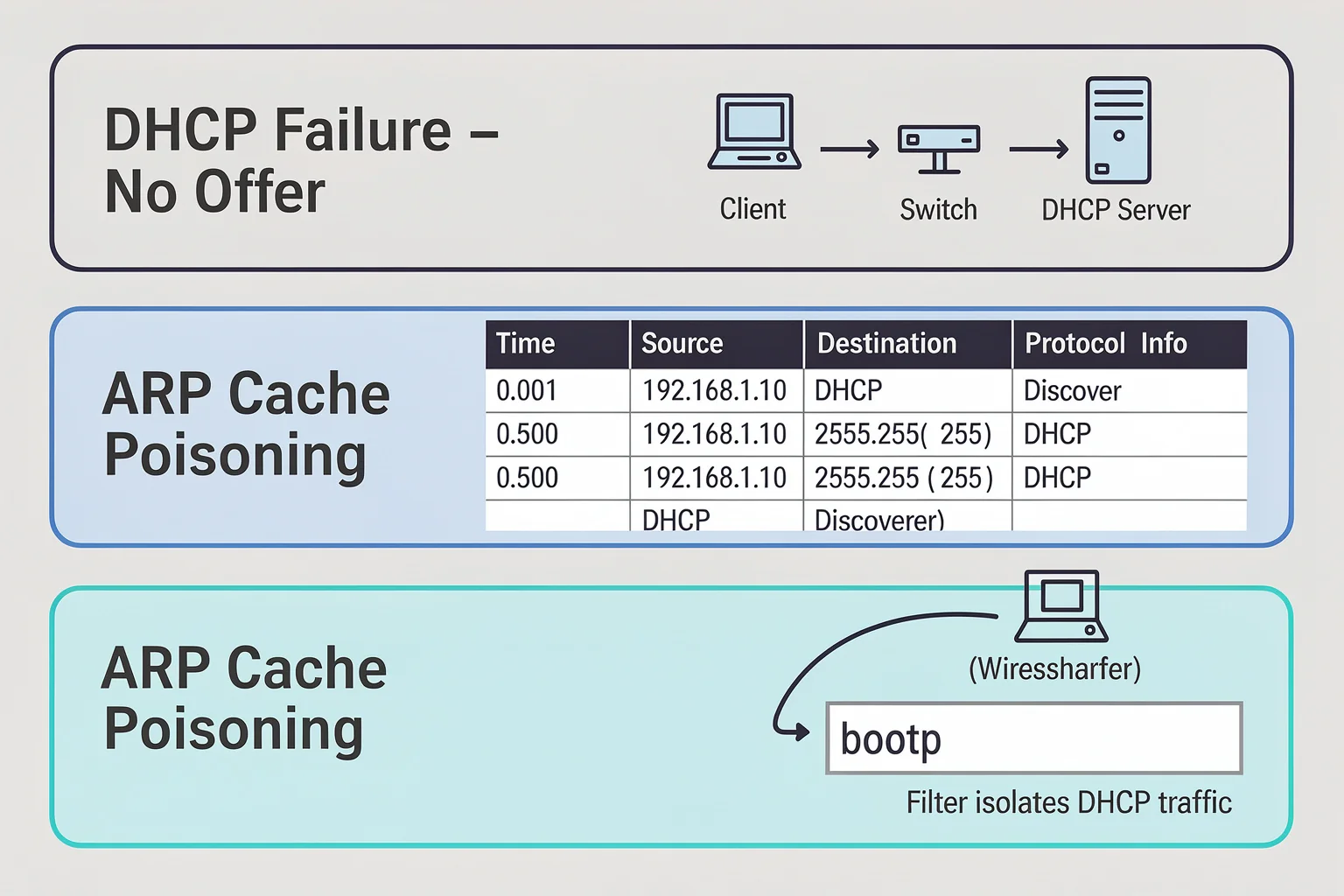
DHCP Failure. You filter to bootp. A client sends a Discover; no Offer appears. Check the VLAN tag, look for a DHCP relay agent, and watch for multiple Offers from a rogue server. In a PBQ you’d pick the most likely cause from a drop‑down after scanning the capture.
ARP Cache Poisoning. A capture filtered to arp shows the same IP (the default gateway) associated with two different MAC addresses in quick succession. The question asks what type of attack is occurring. You spot the MAC mismatch and select ARP spoofing.
TCP Retransmission Storm. A user reports slow transfers. Your capture shows dozens of tcp.analysis.retransmission entries after the client advertises a tiny window. The PBQ asks for the best fix. No CRC errors rule out a bad cable; no ICMP redirects rule out routing. The window‑size bottleneck is the answer.
For each pattern, the difference between guessing and answering in 15 seconds comes down to your fluency with the filter and packet details pane. Run timed drills on more N10-009 sample questions—the simulation‑style items there force you to apply filters under a countdown.
Building a Packet Analysis Study Routine
Cramming filter syntax the night before doesn’t build the pattern recognition PBQs demand. Integrate capture work into your study in three passes:
Domain‑by‑domain labs. After each domain chapter, capture or download a file that demonstrates the protocols. For DHCP, sniff your own boot sequence. For DNS, run
nslookupwhile capturing, then filter ondns. The goal is to connect the textbook explanation to the packet‑level evidence before you meet a PBQ.Timed filter drills. Open a capture, set a two‑minute timer, and answer a diagnostic question: “Why didn’t the client get an address?” or “Which host initiated the TCP connection?” Use only the display filters you’ll recall on test day. Repeat until you’re under a minute.
Full‑length practice tests with PBQ simulation. Take a practice set that includes packet‑analysis tasks. Review every missed objective, return to your reference captures, and replay the diagnosis until you can do it cold. Flashcards help with fast syntax recall; the detailed explanations after each question show you why a particular packet field resolved the scenario.
A PlanetCert study bundle typically includes both domain‑targeted practice and timed full‑length simulations. The CompTIA Network+ N10-009 exam page lists the complete bundle.
Findings: What the Mapping Tells Us
Wireshark is not optional for N10-009. Roughly 35% of the objectives (by count) describe protocol behavior easiest to demonstrate with a packet capture. The exam may not launch Wireshark, but it expects you to use the same mental model.
Display filter syntax carries disproportionate PBQ weight. Simulations often require you to isolate traffic quickly—
tcp.port == 443,http.request,icmp. The right filter often determines whether you finish the question in time.Core protocol dissection is the bridge. The exam tests DHCP, DNS, ARP, TCP, and TLS handshakes. Wireshark’s packet details pane presents these as a hierarchical tree. Candidates who expand Ethernet, IP, TCP, and application layers comfortably assess scenarios faster than those who stare at hex.
Practice captures reduce test anxiety more than reading. Examinees who use real captures (their own lab or curated samples) consistently rate PBQ difficulty lower. Hands‑on work builds the confidence to parse an unfamiliar capture inside a simulation.
Recommendations for N10-009 Candidates
- Build a pcap library. Keep at least one capture file for DHCP, DNS, HTTP, HTTPS (TLS), ARP, and ICMP. Many training providers and the Wireshark wiki offer samples.
- Memorise 8–10 display filters. The shortlist earlier covers most PBQ scenarios. Write them on a card and drill daily.
- Use the packet details pane. It reveals TTLs, window sizes, DHCP options, and DNS response codes—details PBQ stems ask about. Right‑click a field and “Apply as Column” to surface it during practice.
- Pair each domain with a practice test block. After studying a domain, take the corresponding set of additional N10-009 questions. Flag any item with a scenario you could diagnose with Wireshark, then recreate the analysis in a capture.
Limitations
Our mapping assumes that any 4.x Wireshark release behaves consistently with the official documentation. A specific PBQ simulation may implement a subset of Wireshark functionality or a different UI layout; practise with the stripped‑down interfaces you’ll meet in exam simulators to avoid disorientation. The objectives referenced are N10-009 version 4.0. CompTIA can update objectives during the exam lifecycle—always confirm the current version on CompTIA’s site before scheduling. Our mapping links objectives to Wireshark operations at a functional level but does not reproduce the copyrighted exam objectives in full. Finally, anecdotal PBQ descriptions are reconstructed from commonly discussed protocol‑analysis tasks; CompTIA’s NDA prevents exact disclosure.
Quick Answers for Exam Candidates
Do I need to be a Wireshark expert to pass N10-009? No. You need to read a pre‑captured file, apply a few display filters, and interpret the packet details pane. Full capture‑build expertise (ring buffers, profiles, multiple interfaces) isn’t tested.
Which Wireshark version should I practise with? The latest stable 4.x release. The Wireshark documentation updates alongside each release, and the display filter syntax is largely unchanged from 3.x. The tool is free and cross‑platform.
Can I use tcpdump instead? Yes, but the exam’s simulation interface is more likely to resemble a GUI packet analyzer than a terminal pager. Learn Wireshark’s packet details pane, then practise with tcpdump for speed.
How do I get capture files? Capture your own workstation traffic, download the Wireshark wiki samples, or use lab environments from training platforms. Avoid production captures when you’re just learning—your own machine is safe and abundant.
Does PlanetCert’s simulator include packet analysis PBQs? Yes. The CompTIA Network+ N10-009 exam page lists the full practice bundle, which includes simulation‑style items that ask you to inspect a packet capture, apply filters, and diagnose the issue.
More Network+ and Wireshark Resources
- Wireshark packet capture exam prep
- Wireshark certification paths
- AWS ML Specialty Free Questions: Where To Find Realistic Practice
browse the relevant exam page and purchase a practice test

Discussion
Question Comments
0 comments·0 participantsSign in to leave a comment and access more free questions.