
Wireshark 4.4 Changes What Network+ Candidates Must Practise
Late 2025’s Wireshark release shipped a quieter kind of change — not a new protocol dissector flashy enough for a conference talk, but a reworking of display filter syntax that breaks habits many of us built over years. If your muscle memory types tcp.port == "80" without a second thought, you’re already overdue for a refresh. And if you’re preparing for CompTIA’s Network+ (N10-009), that syntax shift now sits directly in the path of exam items that test packet capture and analysis.
Several Network+ candidates who jumped from a 3.x or early 4.x Wireshark to the current build have already reported that familiar filters suddenly returned zero results — or refused to run at all. The problem isn’t a lack of networking knowledge. It’s a quiet tool-version gap that study guides haven’t yet caught up with. The rest of this article unpacks exactly what changed, why it matters for your exam day, and how to adjust your practice sessions in about an hour.
The Display Filter Shift That Caught Candidates Off Guard
Wireshark’s display filter engine moved from its legacy dfilter to dfilter2 several releases ago, but version 4.4 consolidated the stricter behaviour. The new engine is opinionated about field types, quote usage, and operator matching. Filters that ran without complaint in 4.2 and earlier can now throw red-bar errors — and the error messages don’t always spell out what you typed wrong.
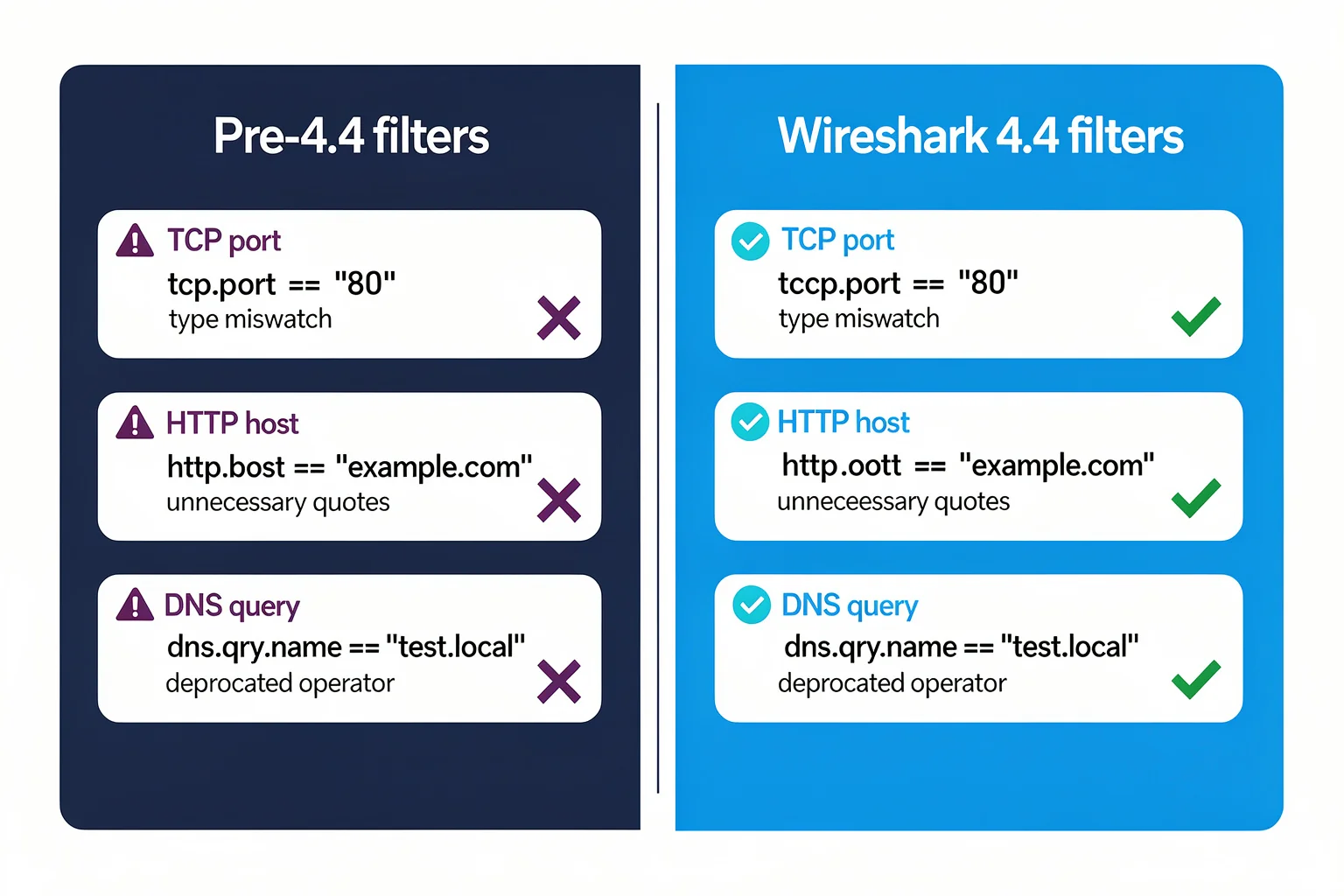
The Wireshark Display Filter Reference lists every supported field and hints at its expected type, but the real friction shows up during live capture or when loading a saved profile. Here’s the practical difference that trips candidates up most often:
Old syntax (pre-4.4) — silently accepted
tcp.port == "80" http.host == "example.com" dns.qry.name == "www.example.com"
New syntax (4.4+) — strict type enforcement
tcp.port == 80
http.host == example.com
dns.qry.name == www.example.com
Numeric fields now reject string comparisons, so wrapping a port number in double quotes fails. String fields, conversely, require bare comparison values — quoting example.com actually introduces extra characters that the parser may treat as a literal, not the intended host name. The same shift applies to operator choice: == still works for equality, but eq is often clearer and avoids ambiguity when the field metadata isn’t visible.
The other big behavioural change sits in the matches and contains operators. Pre-4.4, frame contains "GET" worked even when the target bytes weren’t a valid string; post-4.4, you need to handle binary matches with the right protocol-aware expression. For instance, searching for an HTTP method with http.request.method == "GET" remains fine because the field is string-typed and the parser treats the quoted value correctly — but a raw frame contains "GET" can fail if Wireshark interprets the bytes differently. When in doubt, use the protocol-specific field instead of the generic frame contains.
The wireshark(1) manual page documents the -Y flag that governs display filters from the command line and shows how the current parser expects expressions to be built. Run tshark -G protocols to see the field registry your version actually uses — it’s a quick way to spot deprecated field names that might still appear in older study guides.
Why does all this matter for an exam? Because the Network+ simulation environment tends to use a recent Wireshark build. Practice with an old version and you may memorise filter patterns that the exam engine marks as wrong, even if your underlying network knowledge is solid.
To test your own habits, open Wireshark 4.4 and try a few of the filters you rely on most. Pay attention to the status bar colour: a red background means the expression failed to compile, while a green background confirms it’s valid. If a previously trusted filter goes red, open the Display Filter Expression dialog (the “Expression…” button to the right of the filter bar) and browse the available fields. The description panel shows the expected value type for each field, so you can see at a glance whether a port field expects an unsigned integer or a string.
Why the Network+ Exam Cares About Your Wireshark Version
CompTIA’s N10-009 objectives no longer treat packet analysis as a theoretical topic. The exam explicitly names Wireshark under several sub-objectives, particularly in Domain 1 (Networking Concepts) and Domain 5 (Network Troubleshooting). The N10-009 exam objectives include tasks such as configuring a capture interface, applying display filters to isolate traffic, and interpreting packet content for protocol behaviour.
When the exam blueprint says “given a scenario, use network monitoring tools,” the lab portion can serve up a pre-captured .pcap file and ask you to pick the right filter or read a specific field. If your mental model of Wireshark’s filter language comes from a four-year-old tutorial video, you risk misreading the field list or applying an expression that silently returns zero frames on the current engine.
The exam’s performance-based questions (PBQs) often simulate a lightweight Wireshark interface where you’re presented with a capture pane, a filter bar, and maybe a packet details tree. You might be asked to isolate HTTP traffic, find a DNS query that returned an error, or identify the source of an ARP anomaly. In each case, the filter you type must match the syntax the exam environment expects. That environment is almost certainly running a build from the 4.4 or later line, so your practice filters must work on the same version.
That gap between old habits and current tool behaviour has already appeared in practice-test feedback. Candidates who trained on Wireshark 3.x builds reported stumbling on filter-related items when they moved to an updated simulator. I’m not suggesting the exam will probe Wireshark version trivia, but it does expect you to navigate the version that’s actually installed in the test environment.
Take a minute and run through the N10-009 sample questions on PlanetCert. Pay attention to items that show a capture window or ask you to identify the correct display filter for a given traffic pattern. Several of those questions already reflect the stricter syntax, so you’ll get a read on whether your filter instincts need recalibration. The N10-009 exam was released in June 2024 and will remain current through 2027, which means the certification body expects candidates to use contemporary tool versions throughout that window.
Practise Like the Exam Tests: A Checklist for N10-009
Updating your study approach takes about an hour of deliberate work. I’d recommend working through the steps below at least once before you book the exam.
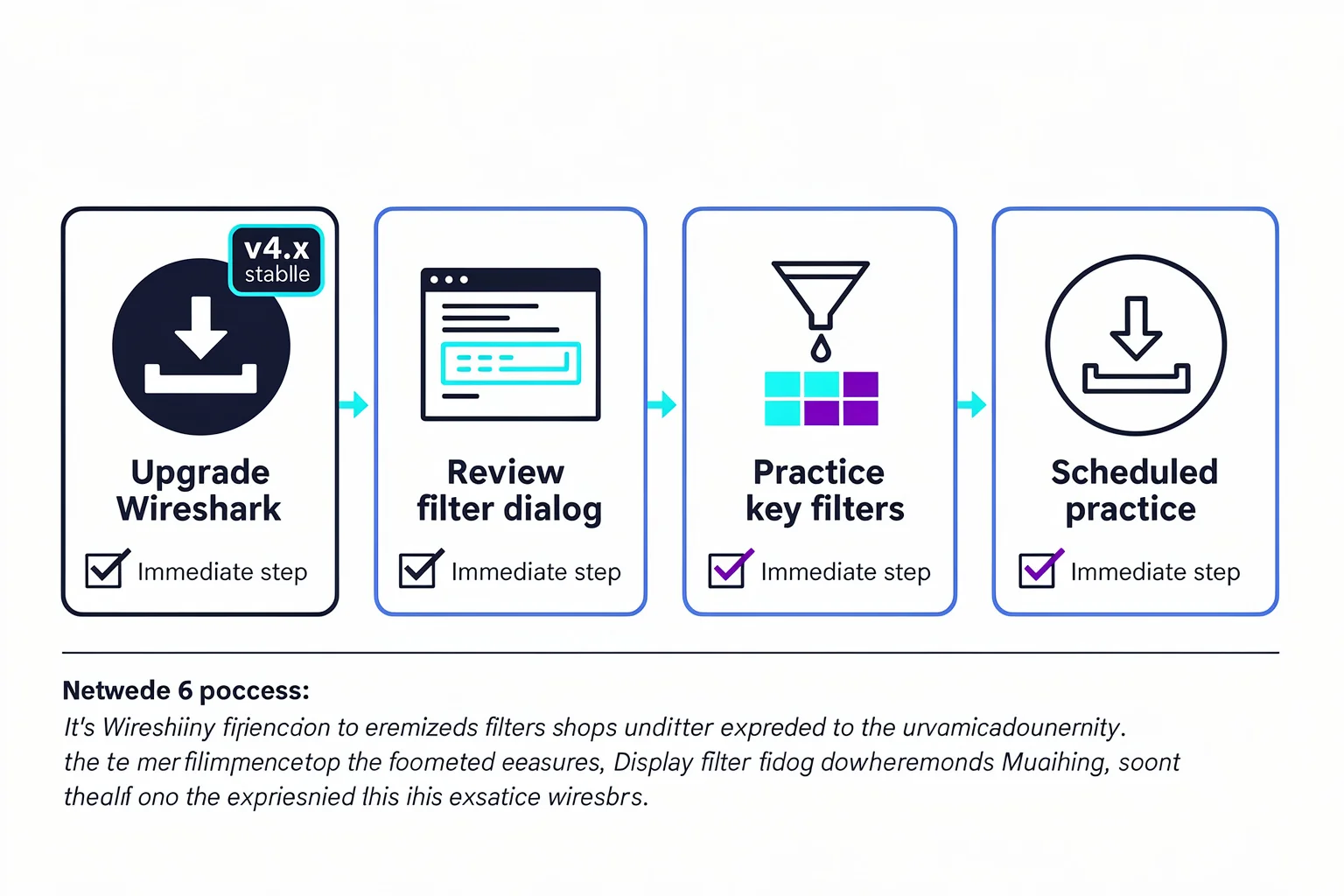
Upgrade to the current stable build. Download 4.4.x (or whichever is the latest long-term support line) from wireshark.org and make it your daily driver for the rest of your study window. After installing, go to Help → About and confirm the version string. If you rely on a package manager, check that it pulled the latest stable release — some Linux distributions lag by a few months.
Review the Display Filter Expression dialog. Press the “Expression…” button on the right of the filter bar, browse the field tree, and watch how the description panel shows the expected value type. Use that panel to spot fields you normally type from memory — odds are a few have changed name or type scope. You can search for “tcp.port” and verify it’s listed under the Transmission Control Protocol subtree with an unsigned integer value type, then cross-check that against any older cheat sheets you’ve printed.
Practise the filter patterns that N10-009 emphasises. These include
tcp.port,ip.addr,http.request.method,dns.qry.name,arp.opcode, andicmp.type. Our Wireshark filters to memorise guide lists the exact syntax that the current engine expects for each. Run these in a live capture or against a sample file until you can type them without hesitation and see the expected results.Download a sample capture and walk through it with a peer or in a study log. I’d pick a mixed-traffic .pcap from the helpful packet captures library — one that includes HTTP, DNS, and ARP — and write down the filter you’d use to isolate each protocol. Then test each filter. If any expression fails, compare your version to the display field reference. For example, a capture containing DNS queries should light up with
dns.qry.name != ""in 4.4, but if you accidentally typedns.qry.name != ""with a stray character, you’ll catch the mismatch immediately.Run a timed simulator session. If you’re using the PlanetCert exam simulator, you’ll notice that the timer and question format mirror the real exam. Run at least two full-length sessions, and flag every packet-analysis item for review, regardless of whether you got it right. During the review, note whether the correct filter answer used quotes or bare values for string fields — that’s the 4.4 tell.
Audit your flashcard deck. If you saved filter examples as
tcp.flags.syn == 1 and tcp.flags.ack == 0, they’ll likely work fine; numeric fields haven’t changed their core logic. But any flashcard that uses string comparisons — especially HTTP, DNS, or DHCP references — is worth spot-checking against your upgraded Wireshark. A card that showshttp.host == "www.example.com"should be updated tohttp.host == www.example.com, because the quotes would cause the filter to match the literal string"www.example.com"(including the quotation marks) rather than the host name.
You don’t need to re-learn packet analysis from the ground up. You just need to stop trusting the syntax that worked on the install you had in 2023.
Other Wireshark 4.4 Changes Worth Knowing
The display filter rework dominates exam-relevant concerns, but the 4.4 release also widened protocol coverage in ways that could affect your capture-reading fluency. The new dissectors for 5G NR (Next Generation Radio), several IoT-related protocols, and updated support for QUIC mean you might see frame list entries with unfamiliar names when you open a capture from a modern troubleshooting lab. That’s not something the Network+ exam tests, but it’s useful context if you’re also working toward CCNA or security certifications that pull in cell-site backhaul and embedded-device traffic. Seeing a protocol abbreviation you don’t recognise during practice can be distracting — recognising that it’s a new dissector, not a knowledge gap, keeps your confidence on track.
Later maintenance releases — 4.4.16, 4.4.17, and the current 4.6.7 line — have patched a string of dissector crashes and memory-handling bugs, many of them surfaced by automated vulnerability reporting. The Wireshark news page documents that the July 2026 updates “fix quite a few vulnerabilities” in parsers that handle everything from Monero to FC-SWILS. Rebuilding your practice lab on the latest stable build keeps your study environment as close as possible to the version your exam proctor is likely to run. It also eliminates the risk of a malformed capture file crashing your session — which is more of a real-world nuisance than an exam-day threat, but still worth the thirty-second upgrade.
No exam candidate needs to read the raw release notes, but checking the “News” section on wireshark.org before a study season begins is a thirty-second habit that can save you from spending hours on a broken filter that a patch note would have explained.
Common Questions About Wireshark and Network+
Do I need to buy the latest Wireshark to study for Network+?
No. Wireshark is free and open source, developed and maintained by the Wireshark Foundation. Download the newest stable release directly from wireshark.org — the Windows, macOS, and source-code installers are all available at no cost. There’s no paid “exam edition” and no hidden licence required for certification prep. The same installer works for study sessions, professional troubleshooting, and the certification lab you’ll see on test day.
Will old Wireshark filter examples still work?
Some will, some won’t. Numeric filters like tcp.port == 80 (without quotes) remain valid. Filters that mix quotes, binary operators, or use deprecated field aliases may break. The best move is to test every filter you’ve memorised against a live capture on the version you’ll use on exam day. A quick sanity check: type each filter into the filter bar, note whether it compiles, and verify that it returns the expected packets. If any filter you commonly use fails, rebuild it using the Display Filter Expression dialog to confirm the correct field name and type.
How many Wireshark questions appear on N10-009?
CompTIA doesn’t publish a per-tool question count, but packet analysis and network monitoring sit within domains that carry a combined weight of roughly 45% of the exam. Expect several items that show a capture or ask you to select the correct filter for a specific troubleshooting scenario. For a bigger picture of how those skills map to the exam, the packet analysis skills guide walks through each relevant sub-objective.
Are PlanetCert’s practice tests updated for Wireshark 4.4?
Yes. The question bank is maintained against current exam blueprints and tool versions. When you work through the N10-009 simulator, the filter-based items reflect the stricter display engine so you don’t get false confidence from old syntax that the real exam would reject. The simulator also includes full explanations that call out the correct syntax, making it a direct way to reinforce the changes we’ve covered here.
Should I also look at the Wireshark Certified Analyst path?
Not for Network+ alone, but if packet analysis turns out to be the part of networking you enjoy most, the WCA-101 cert is a natural next step. Several Network+ holders have used it as a bridge into security operations or network performance roles. The WCA certification tests advanced troubleshooting and dissection skills, and the training materials cover the same display filter engine you’re mastering for N10-009, so the skills transfer directly.
References
- Chapter 1. — ## 1.1. What is Wireshark? ... Wireshark is a network packet analyzer. A network packet analyzer presents captured packet data in as much detail as possible. ... In the past, such
More Prep for the N10-009 Exam
browse the relevant exam page and purchase a practice test

Discussion
Question Comments
0 comments·0 participantsSign in to leave a comment and access more free questions.