

Most CompTIA candidates waste time looking for a published “exam calendar”, only to learn that CompTIA exams are scheduled on demand through Pearson VUE CompTIA scheduling. The real schedule is the live appointment inventory you see after choosing your exam, delivery method, and location.[1] That is good news because you can often test year-round, but it also means your results depend on how well you pick a date, secure a seat, and plan backward from exam day.
This guide shows you where to check the CompTIA exam schedule, how to find the earliest dates, and how to build a realistic plan that gets you to a confident pass.
Last verified: March 10, 2026. This article was refreshed against CompTIA's current certification pages, Pearson VUE's CompTIA scheduling page, the CompTIA candidate information sheet, and Pearson VUE's OnVUE requirements page.[2][3][4]
| CompTIA scheduling quick facts | What to know |
|---|---|
| Where live dates appear | CompTIA Central / Pearson VUE scheduling after you select the exam[1] |
| Online option | Many CompTIA exams can be delivered through OnVUE remote proctoring[4] |
| Reschedule rule | CompTIA candidate info says to contact Pearson VUE one business day before the exam appointment; less than 24 hours can trigger forfeiture[3] |
| Example current A+ codes | 220-1201 and 220-1202 for A+ Core 1 and Core 2 V15[5] |
If you are still choosing the exam before choosing the date
Do not book just because you found an early slot. First confirm the exact CompTIA exam that matches your current role and readiness.
- If you are deciding between desktop support and network fundamentals, start with A+ vs Network+.
- For A+ Core 1 and Core 2, review 220-1201 exam details, 220-1201 sample questions, and 220-1202 exam details.
- For Network+, review N10-009 exam details before choosing the date.
- For Security+, review SY0-701 exam details and SY0-701 sample questions before booking.
How the CompTIA exam schedule works (and why you will not find a single calendar)
CompTIA certification exams are delivered through Pearson VUE, so your actual “schedule” is the set of appointment times Pearson VUE shows for your exam, your delivery method (test center or online), and your location.[1]
In practice:
- There is no universal list of fixed exam dates for most CompTIA exams.
- Availability changes constantly based on seat capacity, proctor availability, local demand, weekends, and holidays.
- You can often book weeks ahead, sometimes days ahead (especially for online testing), depending on demand.
Official starting points:
- CompTIA certifications and exam info: CompTIA Certifications
- CompTIA testing provider (scheduling portal): Pearson VUE for CompTIA
Where to find CompTIA exam dates (the only place that matters)
To see real, bookable dates and times, you will use Pearson VUE scheduling.
Step 1: Confirm your exact exam code and version
Before you schedule, make sure you are booking the correct exam. CompTIA updates exams periodically (for example, A+ has two exams, and each has a code). Start from the exam page on CompTIA and note the exam code(s).
Example: CompTIA A+ Certification
Step 2: Choose test center vs online (OnVUE)
Pearson VUE lets you take many CompTIA exams either at a test center or online with remote proctoring (OnVUE). Your choice affects available dates.[4]
| Option | Best for | Pros | Watch-outs |
|---|---|---|---|
| Test center | People who want a controlled environment | Stable setup, fewer at-home tech risks | Limited seats in busy cities, travel time |
| Online (OnVUE) | People who need flexible scheduling | Often more time slots, test from home | Strict room rules, tech checks required |
If you choose online, review Pearson VUE’s OnVUE rules and system-check requirements before exam day.[4]
Step 3: Log in and view the live scheduling calendar
From Pearson VUE’s CompTIA page, you will be prompted to sign in, select your exam, and then view a calendar with appointment times.
When searching, you will typically be asked to:
- Select your exam
- Select delivery method (test center or online)
- Pick your country and time zone
- Choose a test center location (for in-person)
- View available dates and time slots
Step 4: Check requirements before you click “Confirm”
Do a quick readiness check so you do not lose time rescheduling later:
- Time needed: confirm the exam length and plan breaks accordingly.
- Identification: Pearson VUE and CompTIA have specific ID rules in the candidate information sheet and appointment workflow.[3]
- Environment (online): clear desk, private room, no extra devices, and a successful OnVUE system check.[4]
- Retake and policy rules: understand what happens if you need to retest.
Policies can change, so treat Pearson VUE and CompTIA’s pages as the source of truth.
How to find earlier CompTIA exam dates (when everything looks booked)
If the calendar looks full, it does not always mean you must wait a month. Availability shifts daily.
Use these tactics to open up more slots
- Expand your search radius for test centers, even 10 to 30 miles can change availability.
- Check non-peak times like early morning or midday.
- Look mid-week because Saturday slots often disappear first.
- Recheck frequently because cancellations can release great dates.
- Consider online testing if you need the earliest possible appointment.
Know when demand spikes
Demand often increases around:
- Year-end training budgets
- Back-to-school and university timelines
- Local hiring pushes and bootcamp cohorts
If you are booking in a busy window, scheduling earlier is usually worth it.
How to choose the right test date (plan backward from the score report)
A smart exam date is not the earliest date, it is the earliest date you can realistically be ready for.
A simple method: pick a target score readiness level, then book your date once you can consistently hit that level on realistic practice exams.
A practical planning timeline (typical ranges)
Everyone’s background differs, but these ranges help you avoid booking too aggressively.
| Candidate profile | Typical prep timeline | What that timeline assumes |
|---|---|---|
| You already do the job (hands-on experience) | 2 to 6 weeks | You mainly need exam structure, objectives coverage, practice |
| You have some exposure, but gaps | 6 to 10 weeks | You need learning plus repetition and troubleshooting |
| You are new to the domain | 10 to 14 weeks | You need fundamentals, labs, and multiple full practice exams |
Use this as a starting point, then adjust based on your weekly hours and your practice test results.
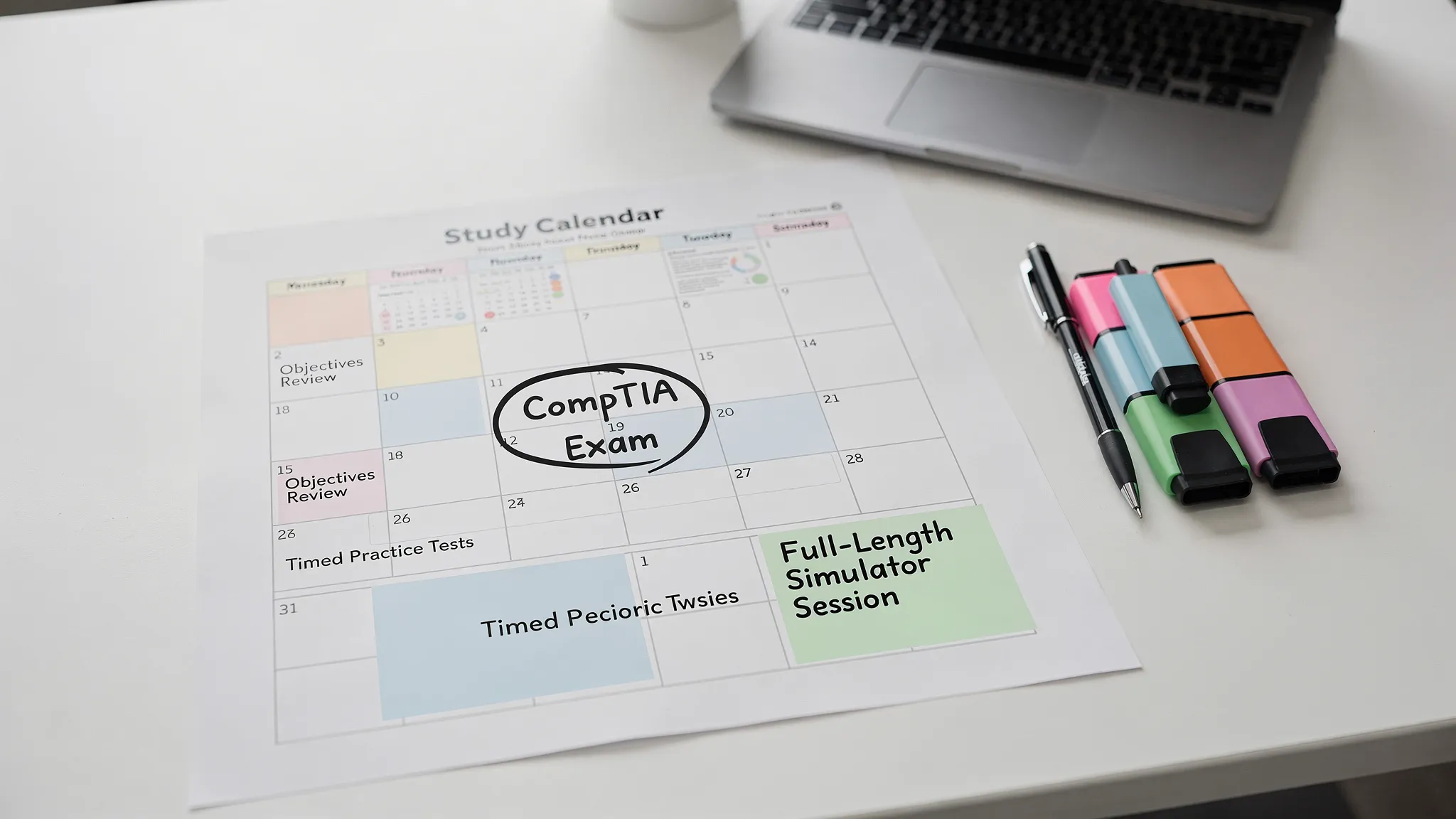
A simple way to build your CompTIA study plan around your exam appointment
Once your date is booked, build a plan that matches how CompTIA exams are actually passed: repeated retrieval, timed practice, and objective coverage.
The “3-phase” schedule that works for most candidates
Phase 1 (Coverage): Learn each exam objective and take short topic quizzes to confirm understanding. If you need a clean way to decide what matters most first, use this exam-topics study guide before you build the rest of the schedule.
Phase 2 (Exam conditioning): Move to mixed, timed questions so you learn pacing and reduce surprises.
Phase 3 (Final readiness): Full-length exams, deep review of explanations, and targeted drills on weak areas.
A practical pacing guideline:
- Early weeks: focus on understanding and accuracy.
- Middle weeks: increase speed and mix topics.
- Final 7 to 10 days: simulate exam conditions and fix the last weak points.
Online vs test center: planning differences that affect your schedule
If you test online (OnVUE)
Plan extra time before exam day for:
- Running the required system test
- Preparing a compliant room setup
- Reviewing check-in timing and rules
Online testing is convenient, but it is less forgiving of environmental issues.
If you test at a test center
Plan for:
- Travel time and parking
- Arriving early for check-in
- A backup plan for weather or transit disruptions
Test centers tend to be more predictable technically, but less flexible on last-minute time slots.
Rescheduling and vouchers: what to think about before you book
CompTIA exams are commonly purchased as vouchers (directly or via training providers), and you schedule through Pearson VUE.
Before you pick a date:
- Check your voucher expiration date (if you already bought one).
- Review the reschedule window shown in Pearson VUE. CompTIA candidate guidance says to contact Pearson VUE one business day before your appointment, and changes inside 24 hours can mean forfeiting the fee.[3]
- If you might need extra time, consider booking a date that leaves you a buffer.
A good rule: if you are not consistently passing realistic practice tests under timed conditions, it is usually cheaper and less stressful to move the date than to rush into a failed attempt.
How practice tests help you lock in a CompTIA exam date with confidence
Your calendar plan is only as good as your measurement. Practice tests give you the data to decide:
- Whether you should schedule now or wait
- Which objectives you are missing
- Whether timing will be an issue
- Which question types trip you up
The most useful practice setup looks like the real thing:
- Timed sessions
- Mixed objectives (not only chapter quizzes)
- Detailed explanations so every miss becomes a learning loop
If you are comparing options, PlanetCert offers expert-verified practice tests, a realistic web exam simulator, and PDF study guides to help you prepare without extra software. If you are scheduling Security+, start with the Security+ practice test; if you are still choosing your overall exam workflow, use these practice-test strategy principles before booking.
Frequently Asked Questions
Do CompTIA exams have fixed dates like SAT exams? No, most CompTIA exams are scheduled on demand. You pick an appointment time through Pearson VUE, based on availability.
How far in advance can I schedule a CompTIA exam? It depends on your exam, location, and delivery method. Many candidates book weeks ahead, but you may see earlier slots, especially online, when proctors and seats are available.
Is it easier to find dates for online testing than a test center? Often yes. Online testing can offer more time slots, but it has stricter environment and technical requirements.
Can I reschedule my CompTIA exam if I am not ready? In many cases, yes, but there is usually a deadline. Follow the rescheduling rules shown in your Pearson VUE appointment confirmation, because policy details can vary.
What should I bring to the CompTIA test center? Bring the required identification listed in your Pearson VUE confirmation. Requirements can vary by region, so do not rely on memory.
Where can I find a “comptia a practice test free” to start? Free quizzes can help you gauge your baseline, but they are often shorter and less exam-realistic. Use them for orientation, then switch to a structured A+ practice test workflow and full, timed practice exams with explanations to make your scheduling decision with confidence.
Sources used in this refresh
- Pearson VUE for CompTIA
- CompTIA Certifications
- CompTIA Candidate Information (Pearson VUE PDF)
- Pearson VUE OnVUE for CompTIA
- CompTIA A+ Core 1 and Core 2 V15
Get exam-ready faster with realistic CompTIA practice
If you have chosen your target date and want a prep workflow that matches real exam pressure, use practice tests that simulate timing, difficulty, and objective coverage. PlanetCert offers premium, expert-verified practice tests and a mobile-friendly web simulator across 700+ industry exams, with regularly updated materials.
Start preparing here: PlanetCert practice tests and exam simulators.

Discussion
Question Comments
0 comments·0 participantsSign in to leave a comment and access more free questions.